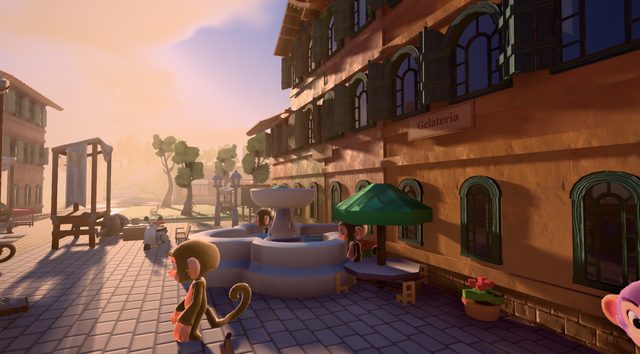
Work and earn
A job for every monkey
Deliver parcels, collect the trash with your crew or run errands. Every job pays coins.
- Courier
- Trash crew
- Errands
 Download


Take a job, earn coins, build and decorate your home, fish in the lagoon, ride the train and play minigames with your friends.
Ages 13+




 Online with friendsOne island, shared with your friends
 Five languagesEnglish, Português, Español, Français, Deutsch
 Safe downloadsEvery file checked before it runs
 Always up to dateThe launcher updates itself and the game


One living world, shared with the people you know
Work and earn
Deliver parcels, collect the trash with your crew or run errands. Every job pays coins.
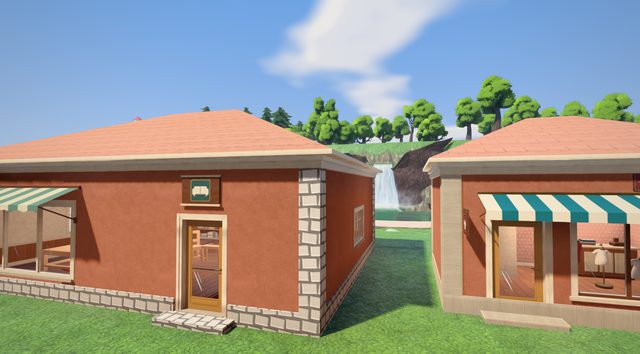
Make it yours
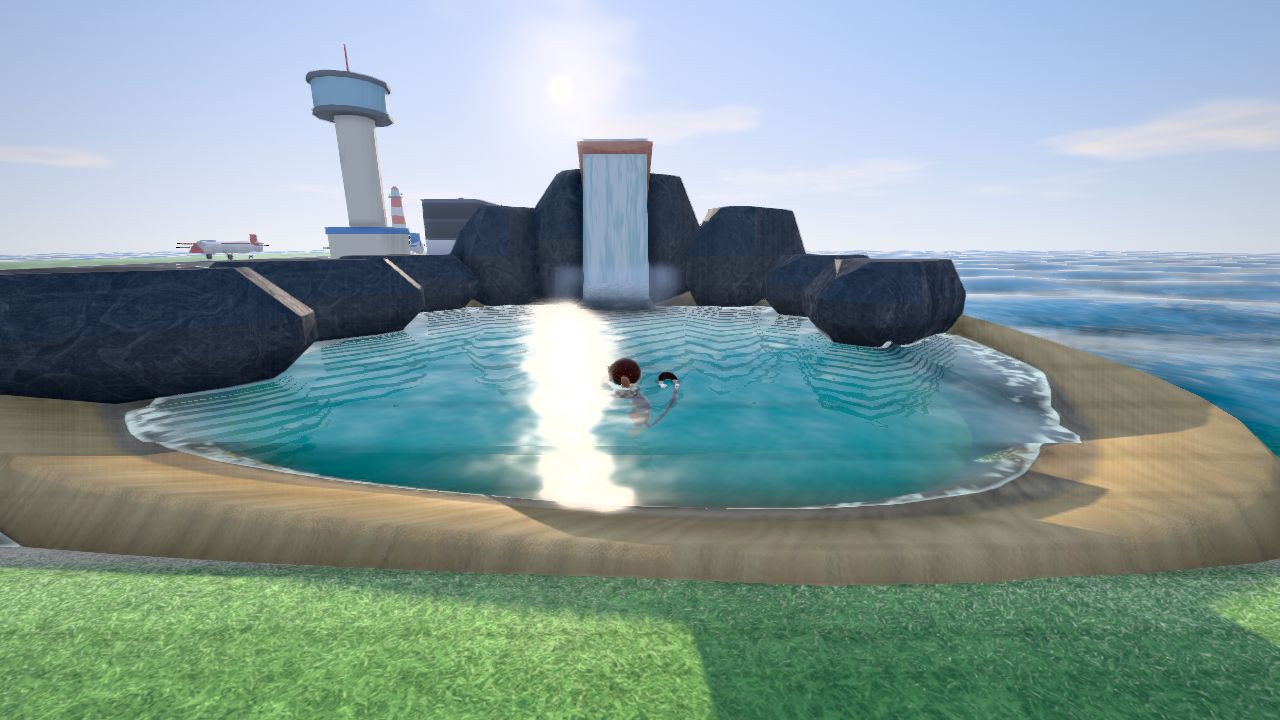
Buy a house in town, furnish every room and craft at your workbench.
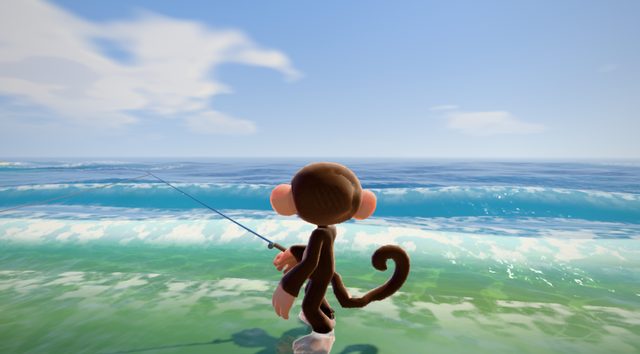
Out on the water
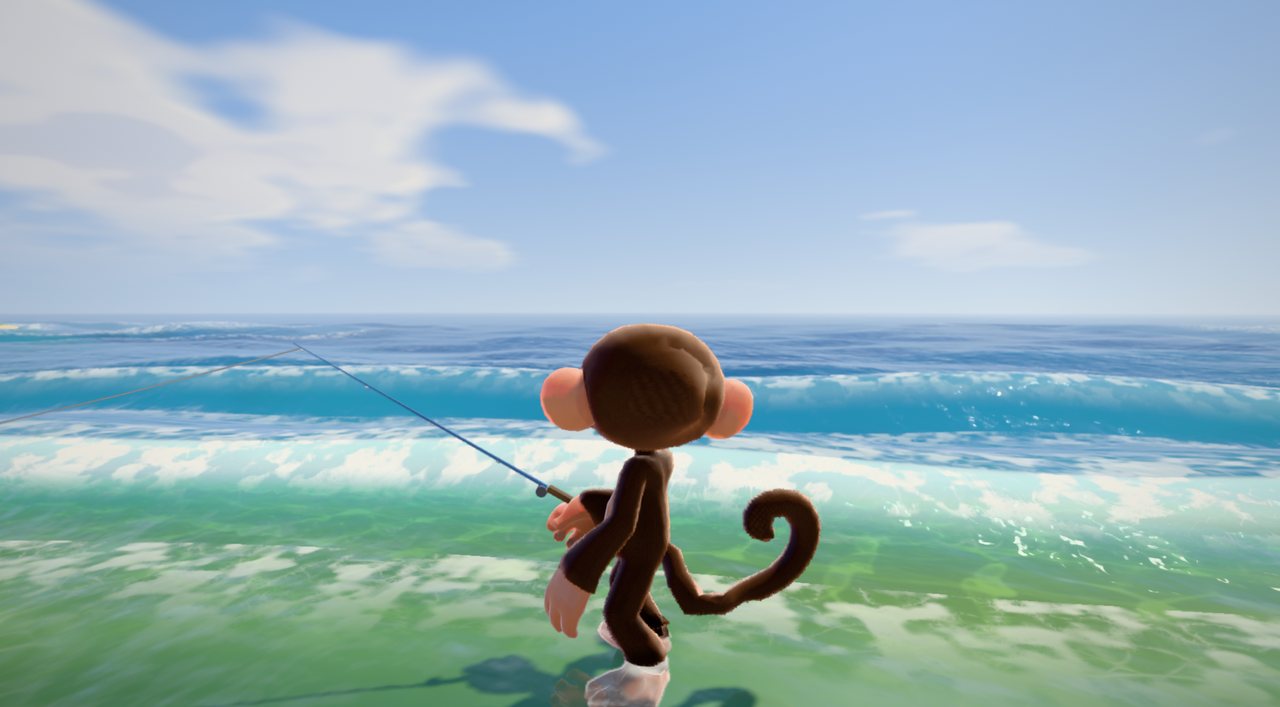
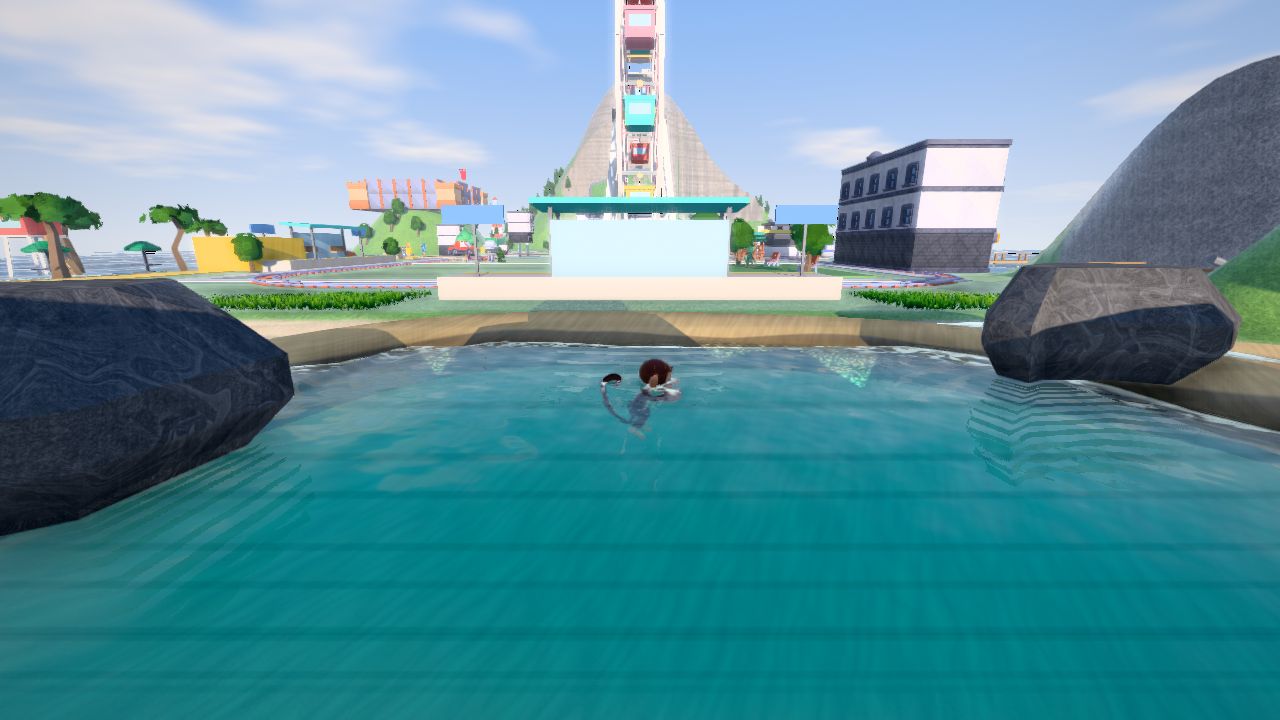
Reel in sardines, octopus and, if you're lucky, the golden fish of the lagoon.
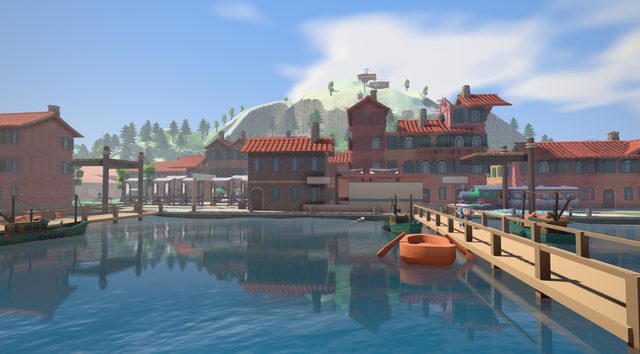
Get around
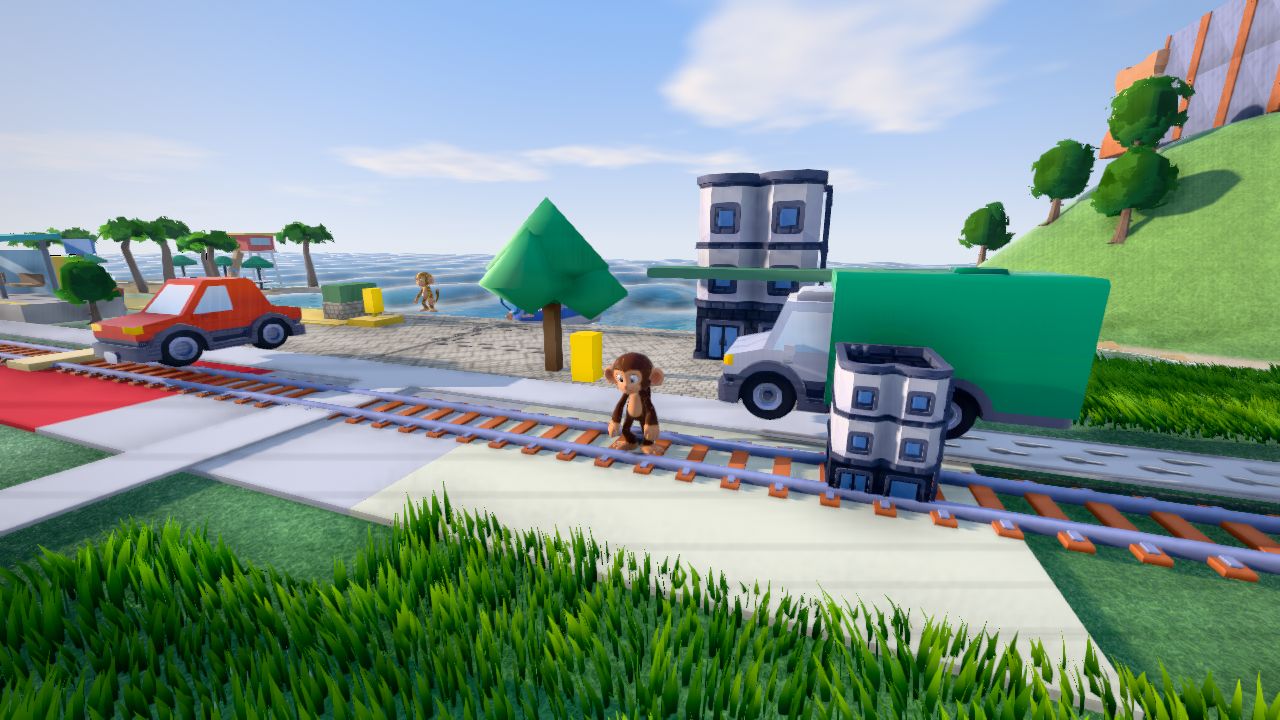
Bikes, scooters, boards, the island train, boats and cars. Then climb the rooftops.
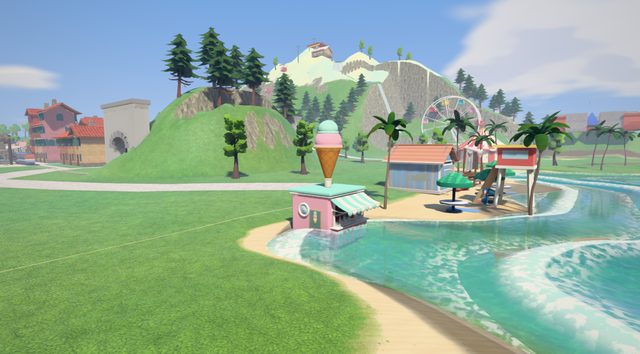
Play together
Jungle Royale, Mud Splat and more: team up and climb the rankings.

A world that reacts
Rain soaks the streets, seasons change the island and the night sky lights up.
Updates, events and stories from the island
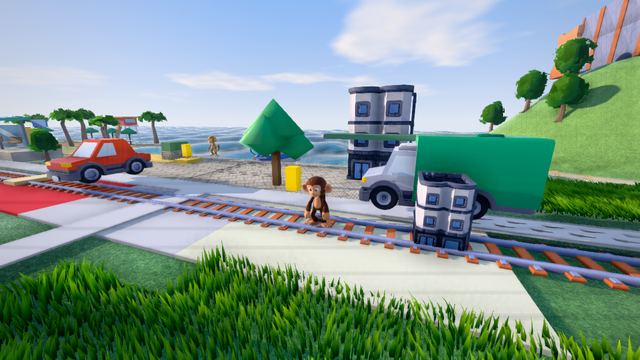
Oct 03
Update
Jump at a wall and your monkey grabs the ledge and pulls itself up. Rooftops and walls are yours to climb.
Read more
Oct 03
Fishing
Your rod now casts a real line, and a new fishing meter shows when to reel in your catch.
Read more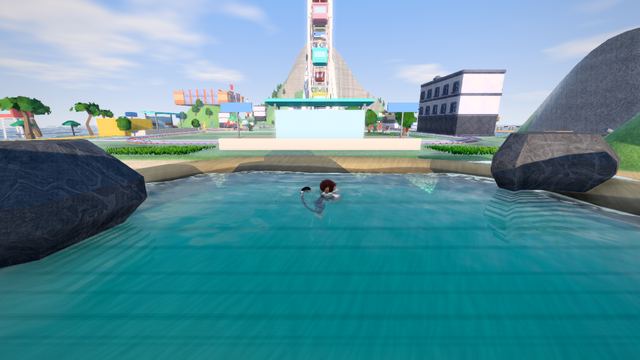
Oct 02
Weather
Rain drips from the eaves and drums on the roof when you're indoors. Shelter under a porch or an umbrella and you stay dry.
Read more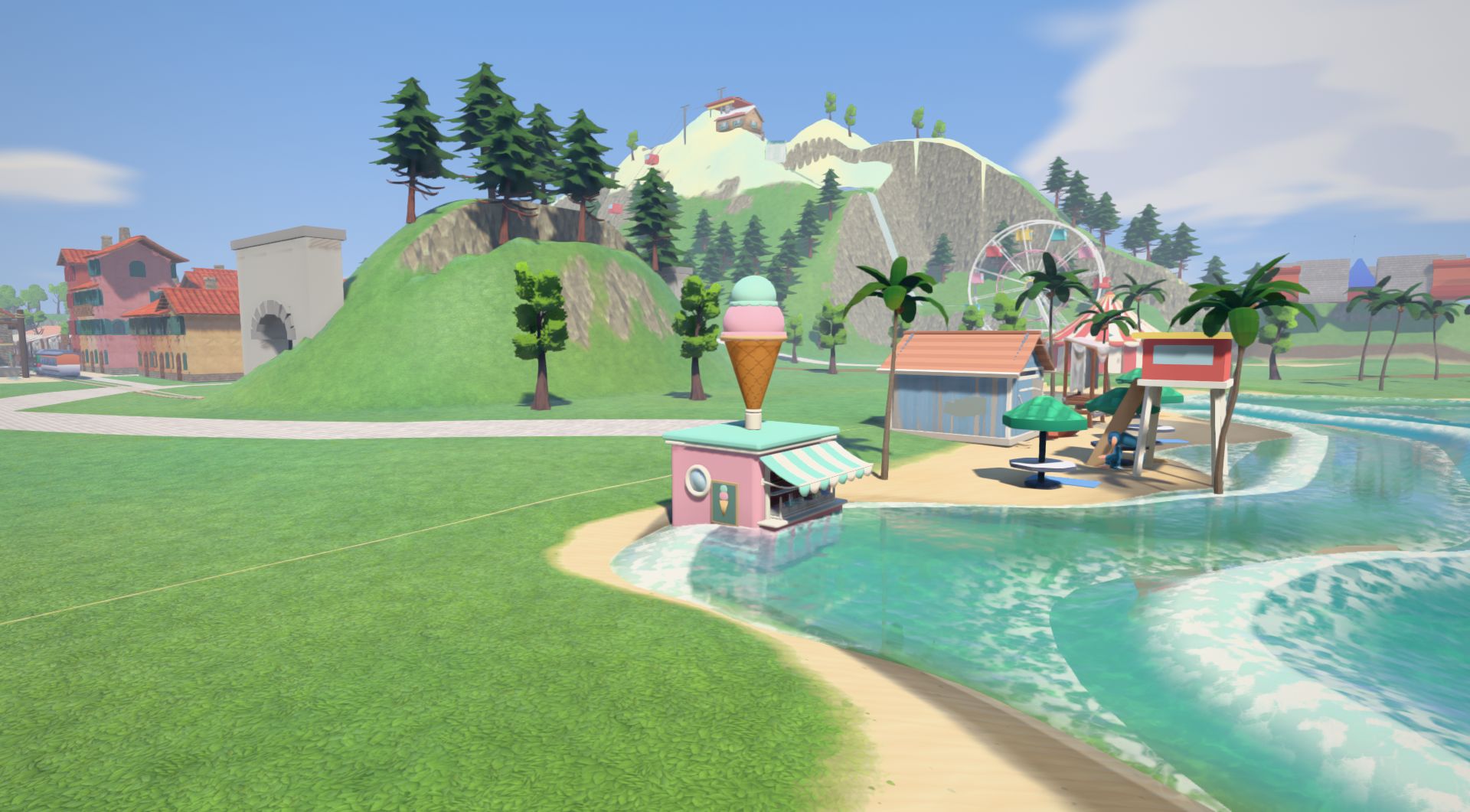
Run MonkeyJungleSetup.exe. It installs just for you, no administrator rights needed.
Open the downloaded file to unpack it and drag Monkey Jungle to Applications. The first time, right-click it and choose Open.
Extract the archive and run ./install.sh, then start MonkeyJungleLauncher from ~/.local/share/MonkeyJungleLauncher.
Sign up in the launcher and choose your monkey's name and colour.
The launcher downloads the game and keeps everything up to date.
Monkey Jungle is for players aged 13 and older.
When you open the launcher it checks for a new version of itself and of the game. Every file is checked against the release's signature before it is used.
No. Monkey Jungle is an online world: the island, your friends and your progress live on our servers, so you need an internet connection to play.
English, Portuguese, Spanish, French and German. The game follows your system's language and you can change it in the settings.
Open Settings > Apps > Installed apps, choose Monkey Jungle and Uninstall. You can keep or delete the downloaded game.
Drag Monkey Jungle from Applications to the Bin.
Delete the ~/.local/share/MonkeyJungleLauncher folder.
To also delete the downloaded game and your settings, delete the ~/.local/share/MonkeyJungle folder.
Check that you downloaded the installer from this page, then choose More info > Run anyway. The launcher checks every game file it downloads.
Check that you downloaded it from this page, then right-click Monkey Jungle in Applications and choose Open. If your Mac still won't open it, choose Open Anyway in System Settings > Privacy & Security. The launcher checks every game file it downloads.
Run MonkeyJungleLauncher in ~/.local/share/MonkeyJungleLauncher. You can add a shortcut to it in your desktop's app menu.
Grab the launcher, pick your name and colour, and see you on the island.
Download for Windows